
Heimdall · Business discovery
Run your first business search
Follow an illustrated Heimdall search walkthrough: connect a provider key, enter a niche and city, choose a target, and review available results.
1. Connect your own provider key
Sign in, open Scrape, and choose Google Places or Foursquare. Connect the appropriate key. Never include the key in screenshots, notes or public posts.
2. Enter your niche and location
Write a focused query such as restaurants in Boston. Choose 10 matches for a small first run. Google Places may expand queries; Foursquare makes one search request.
3. Follow progress and review results
Wait for completion or cancel if needed. Review the final count and stop reason. A target is an upper bound, not a promise of that number of matches.
4. Filter and check details
For Foursquare, filter by available website, phone or social profile. Verify business relevance and contact details yourself before outreach. Save or share only where source permissions allow.
See the interface before you search
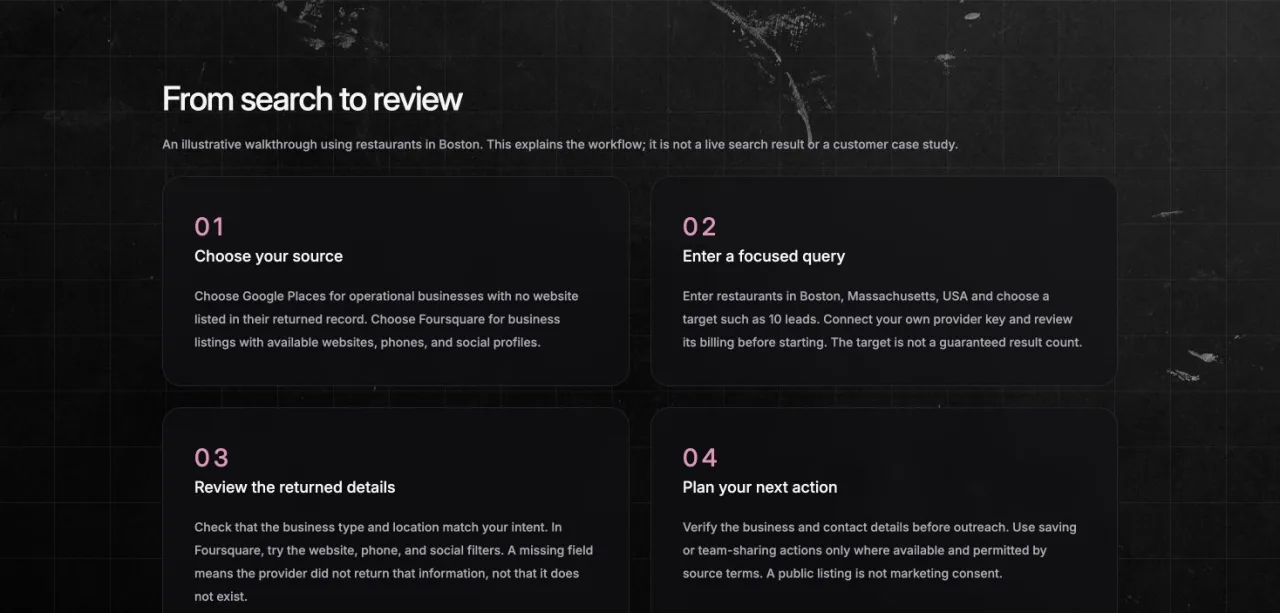
Original screenshots of Heimdall’s public guides. These explain the workflow; they do not show live customer data or promise a result count.

Continue your research
Provider coverage, fields and permissions vary. Read the setup and workflow guides before using either method.